Many buyers want to extender power interface to control the in distance, or maybe they need lock the pc in the box so it’s unconvenient to press the power button on the unit, so in these status, extender power interface is a good sloution for them, but how?
Here I take one model P06-6100U as reference, if you have such exact demands, please feel free to contact me at jacy@hystou.com I will feedback you ASAP.

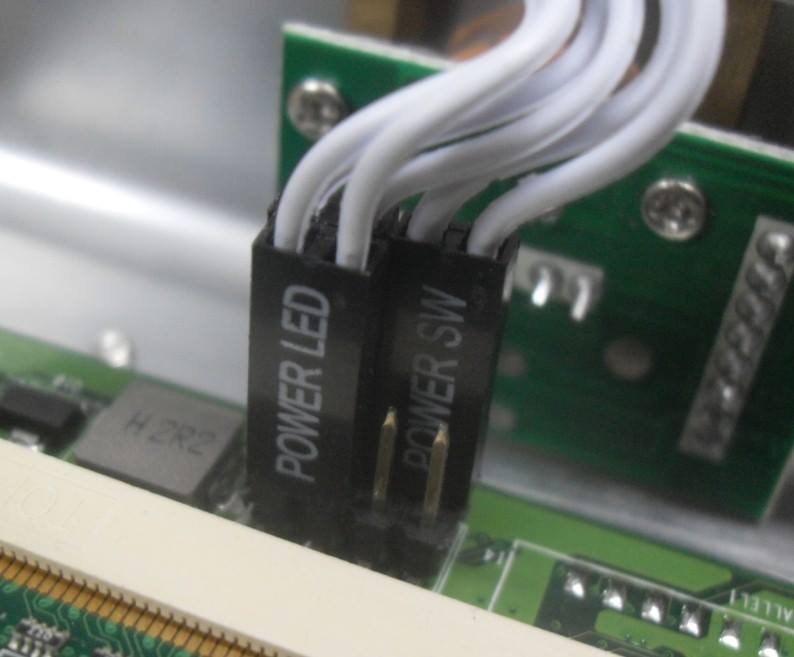
Extended power interface was the 8pin connector, 8 pin connector inside with power, reset, hdd led and power led. You can find 8pin connector on the board.
you need to buy the power button cable like these:
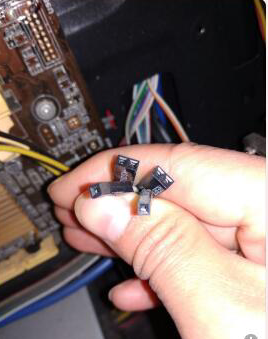
the full cable like this:
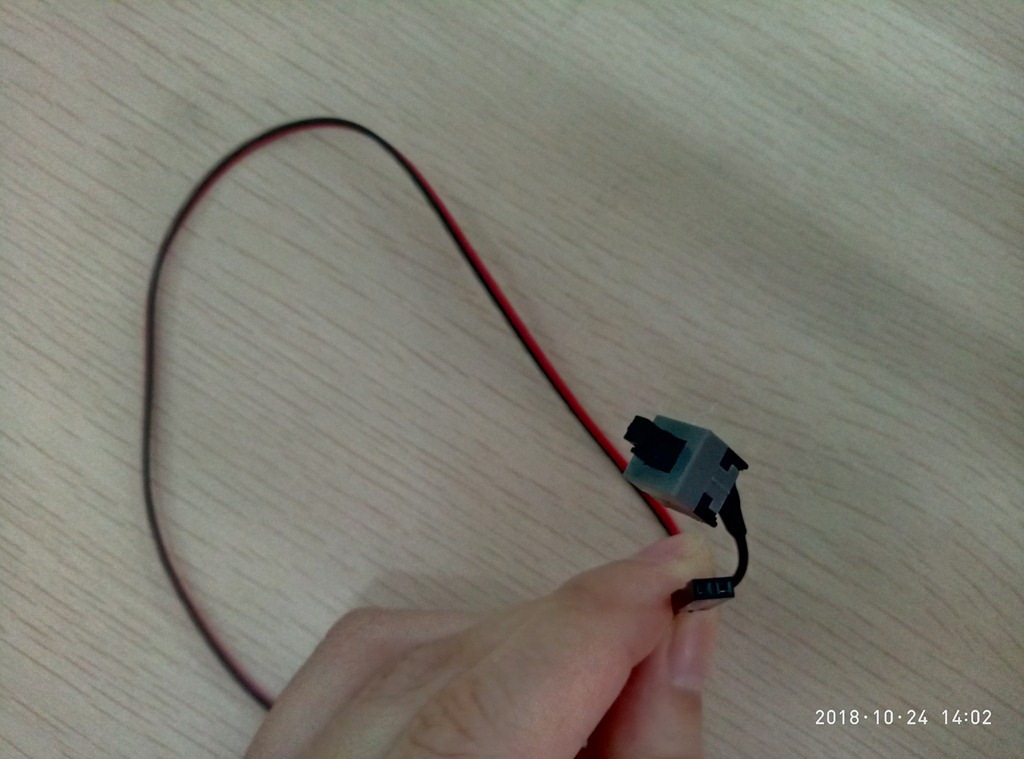
Then you connect this cable on the connect, lie out the power cable from the case hole, so you can control the pc without press the previous button on the unit.
Also if you didn’t the 8Pin connector, then you can directly weld the power button cable on the exitsing power buttton, this is ok, too.
 Mini PC