More and more people demand for computers,and prefer higher configurations,such as the newest CPU,Graphics,storages and so on.Many people want to add more storage,but they have not operate it before even once,if you install it in the wrong step,it will damage the computer or incompatible.so we provide a list of guidelines for all of you to install HDD youself correctly.
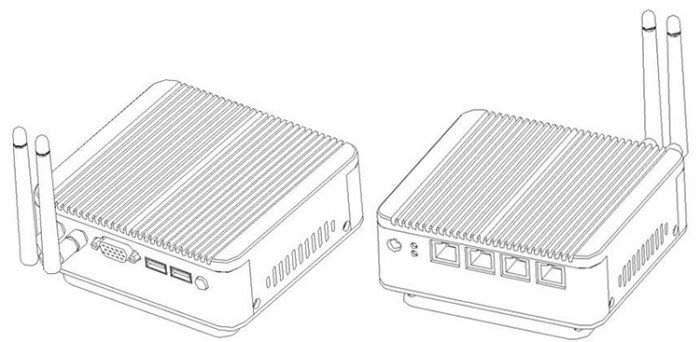
Firstly,you need to remove the screws and open the buttom case.
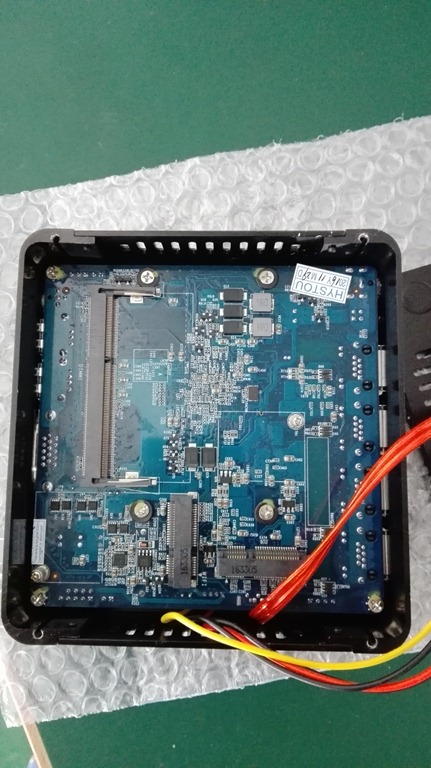
secondly,prepare HDD and screwdriver.find the hole in the HDD which is fixed to the computer bottom case.
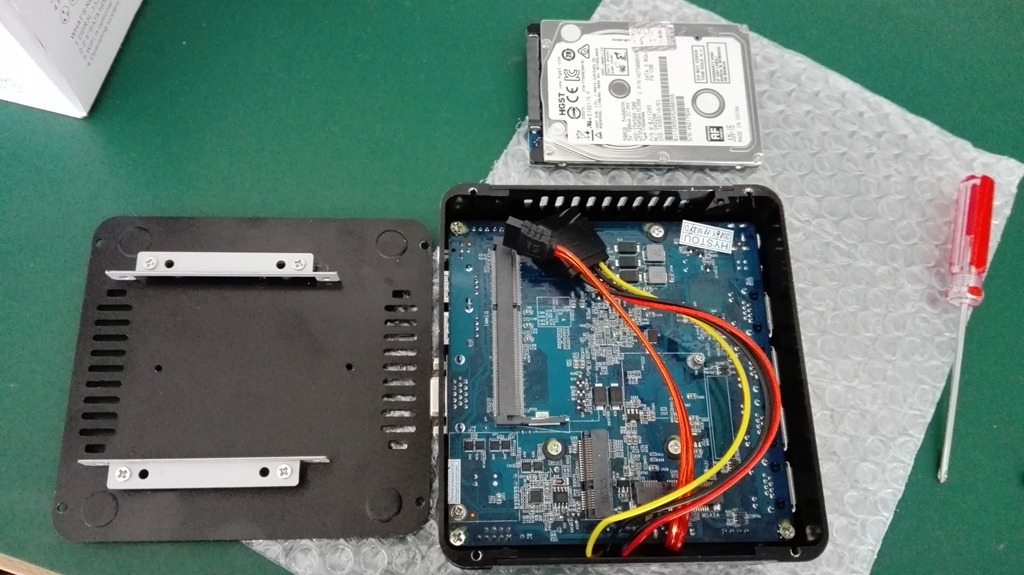
Third,connect two cable to the HDD, put the HDD along the aluminum groove carefully.
In this step,you need put the four holes on the conners of HDD direct to the four holes in the middle of the computer case,then screwed to fixed it.
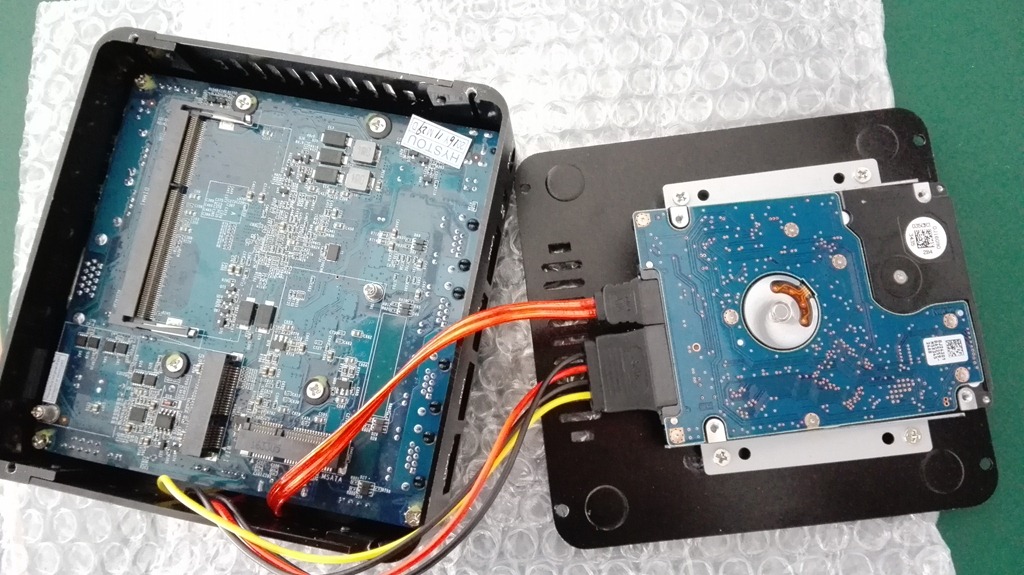
Forth,you should turn it over and put it back.Fixing it and another piece black shell together with screwdriver.
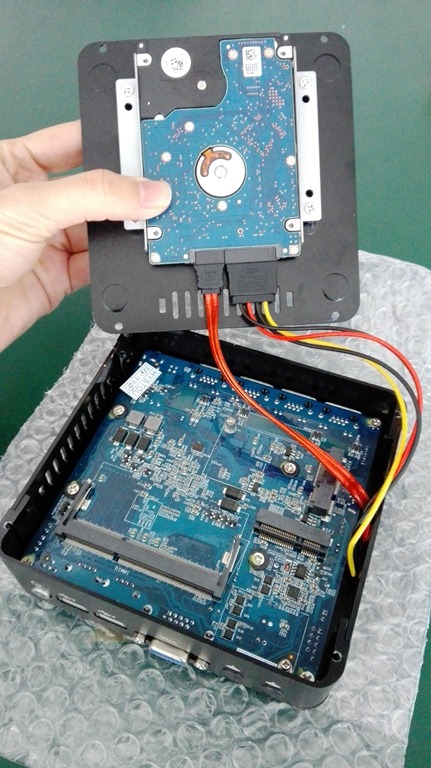
Fifth,you success,the most important thing in the whole process is good routine and patience.
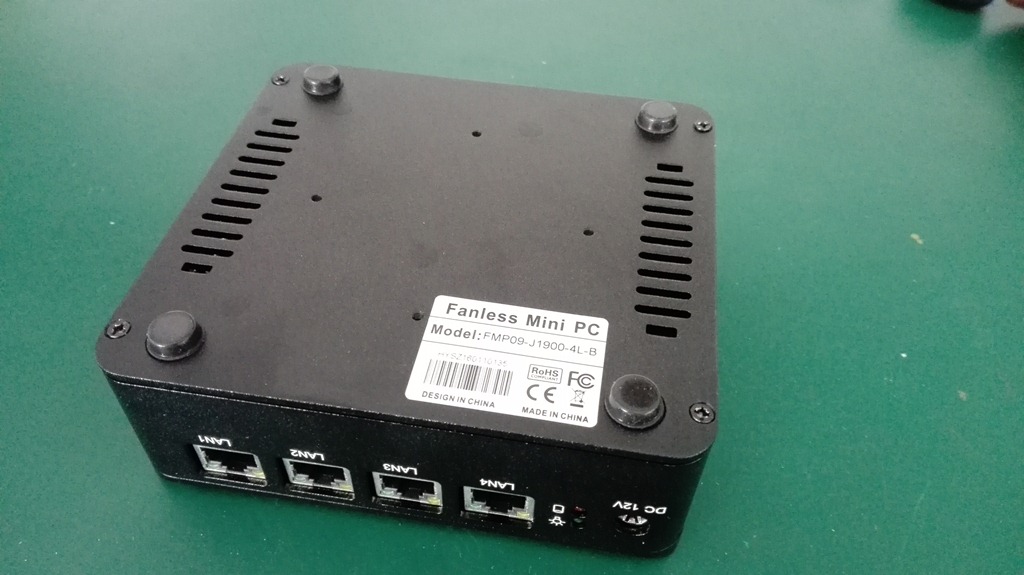
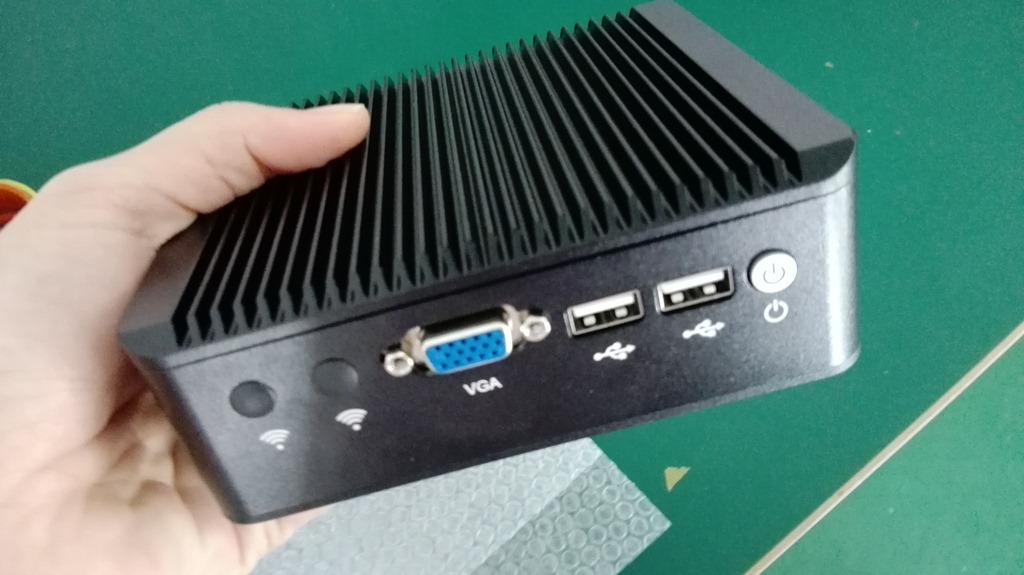
If you get interested in this kind of computer Celeron J1900 (1*VGA+2*USB2.0+4*LAN)
you can contact us in below “comments “part.thank you~
or visit our websit: www.hystou.com
We’ll update the new product constantly,OEM/ODM is acceptable.
 Mini PC