Today let’s learn how to install windows 10:
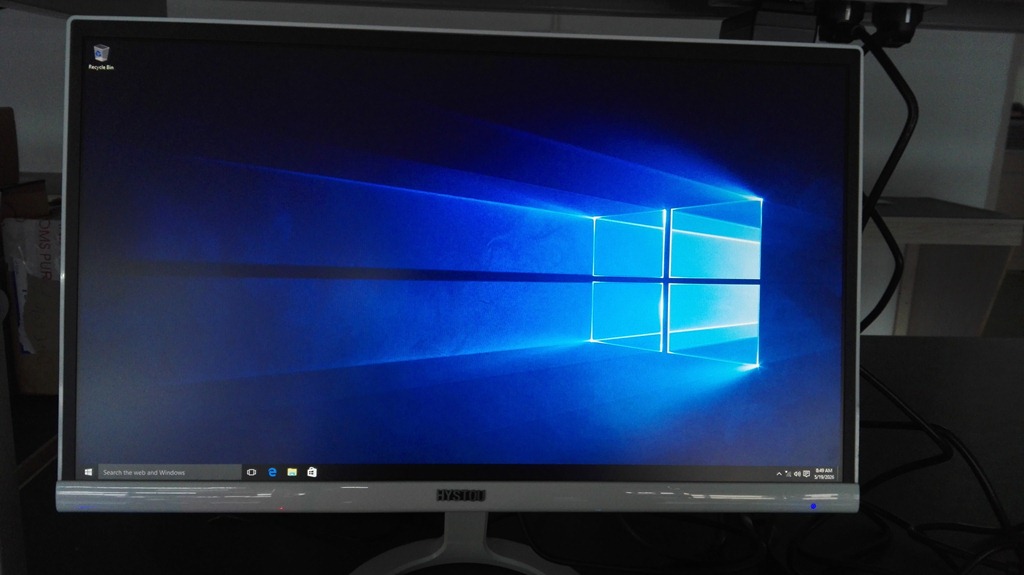
At the begining, we need to prepare the USB Drive, one computer with RAM and SSD,Screen,Mouse.
1)connect the computer host to screen correctly,before the host power on, we should plug in the USB Drive.All ready as below.
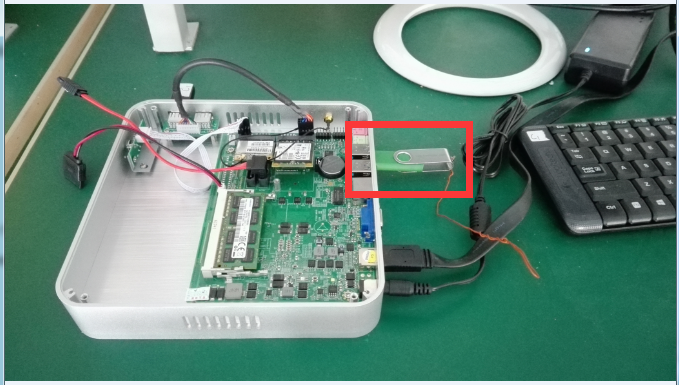
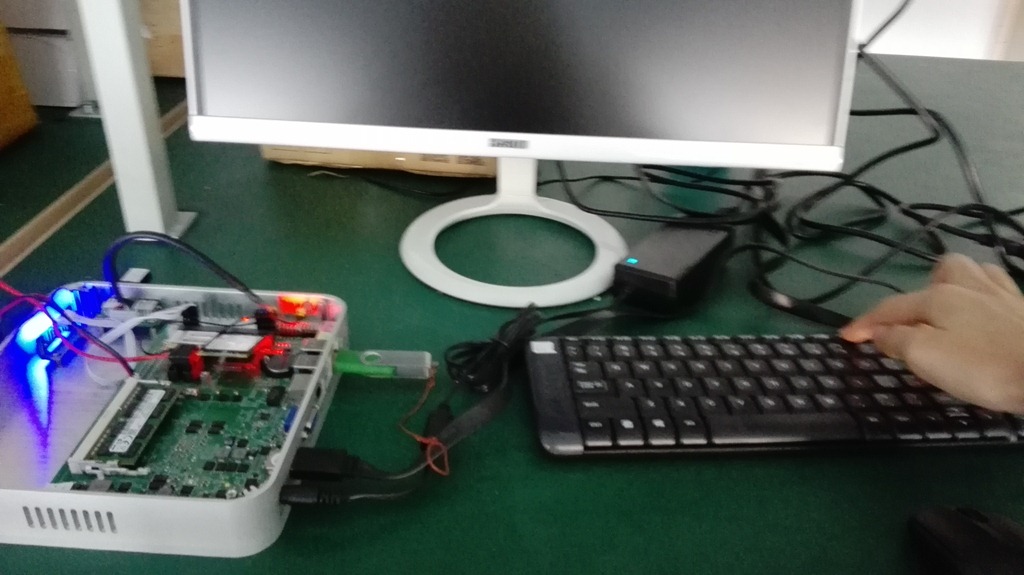
2)Once turn on the Switch,at the same time click “F11”instantly.
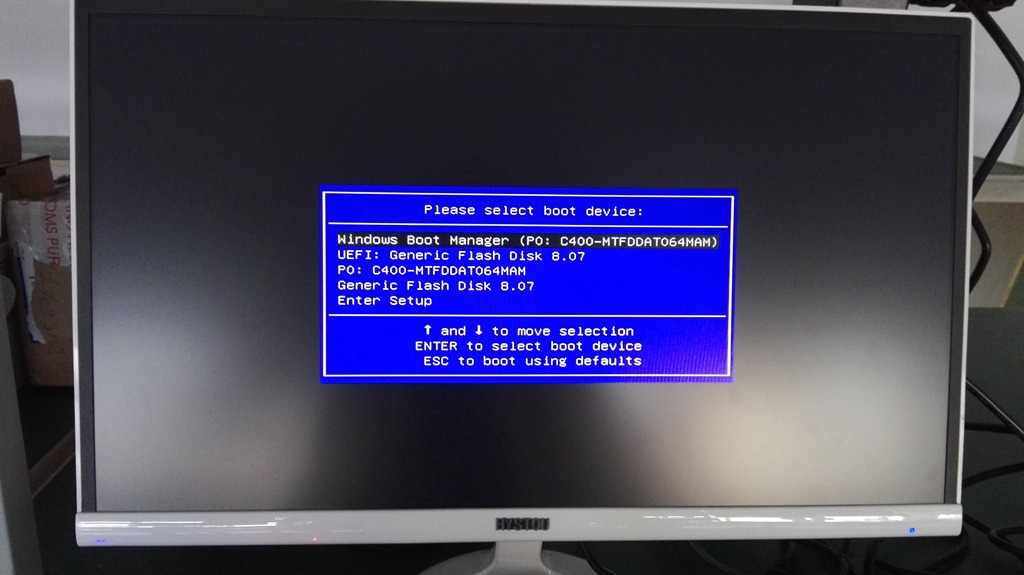
3)then you will come to this interface,click your USB Disk.
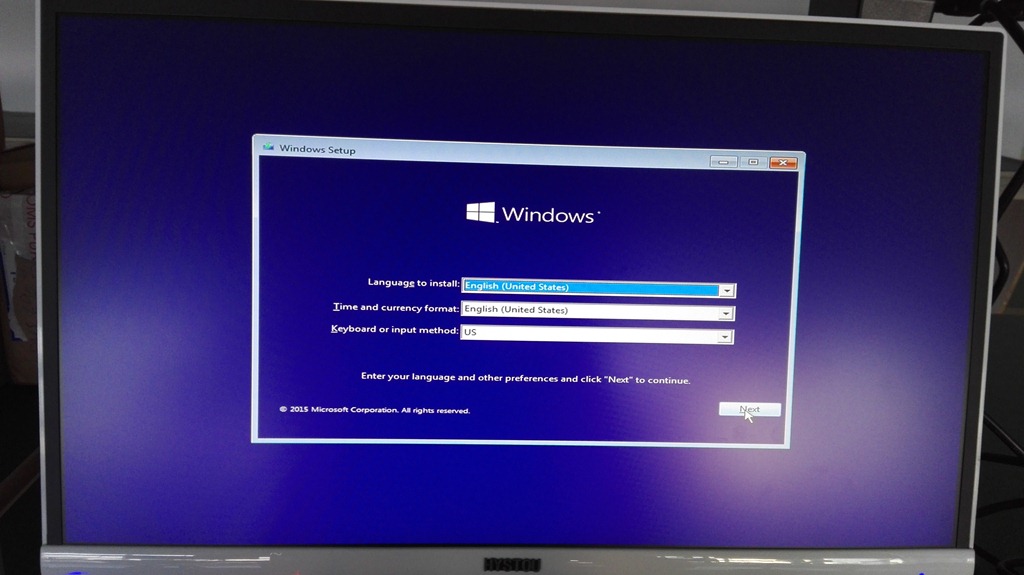
4)The interface will ask you choose the language to install,you don’t need to change anything,just click the “NEXT”,Confirm “Install now”,”accept the license terms”.
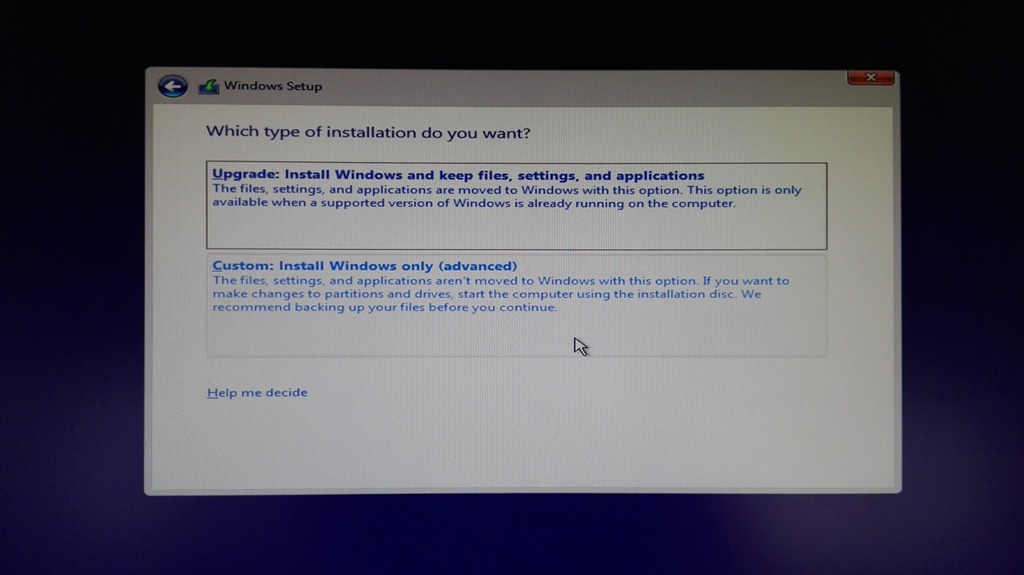
5)this step you’ll see”two choices about which “type of installation”,we choose the second one.
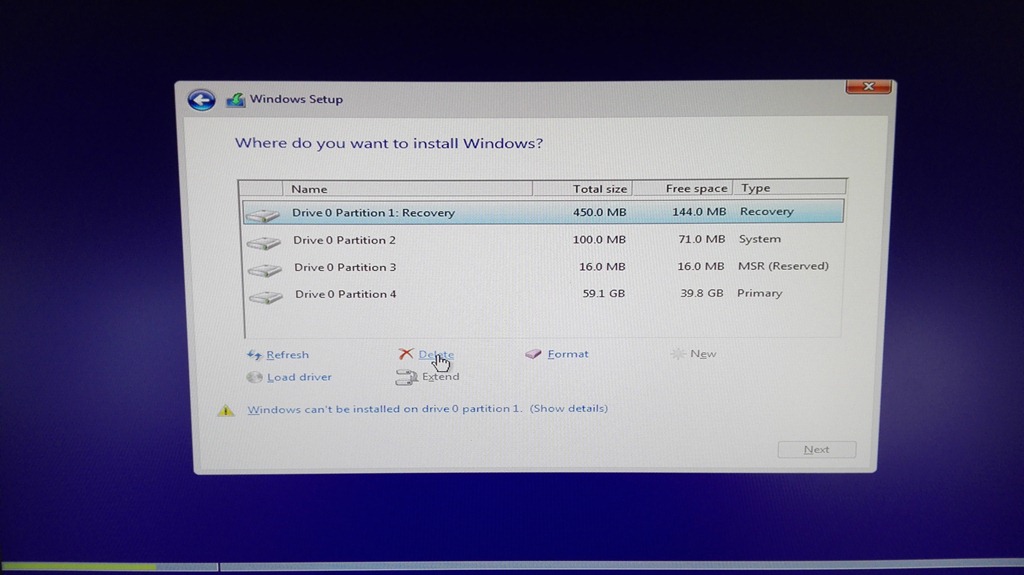
6)in this part, preparing for“Hard disk partitioning”.we need “delect”all of the file in the disk one by one.
Finally,there will be only one disk file exit,then, we choose the last disk file and click”Format”.
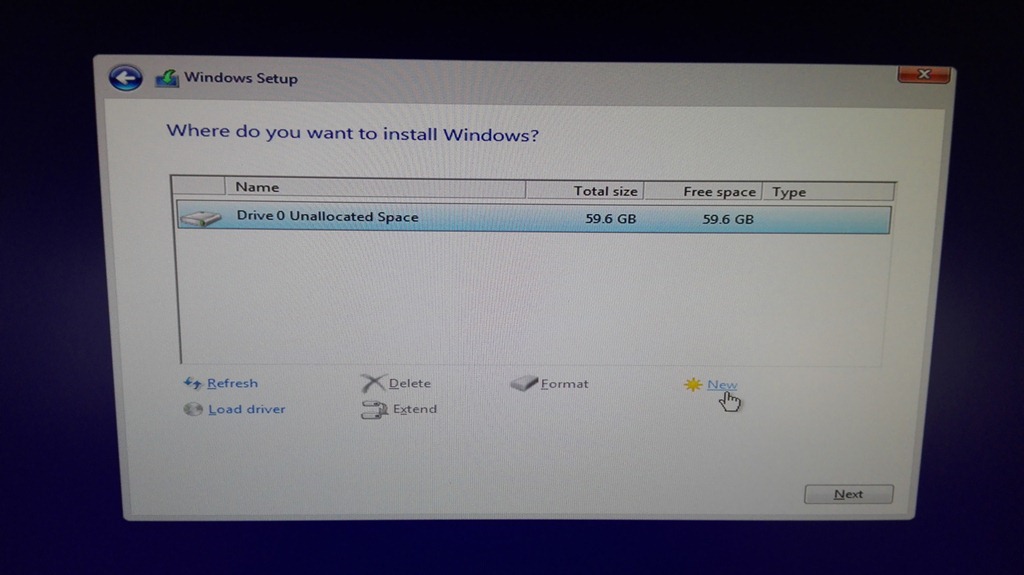
7)when we finished the step 6,”Hard disk partitioning”begains,click the hard disk,choose the “New”option,and click the “Apply”directly,
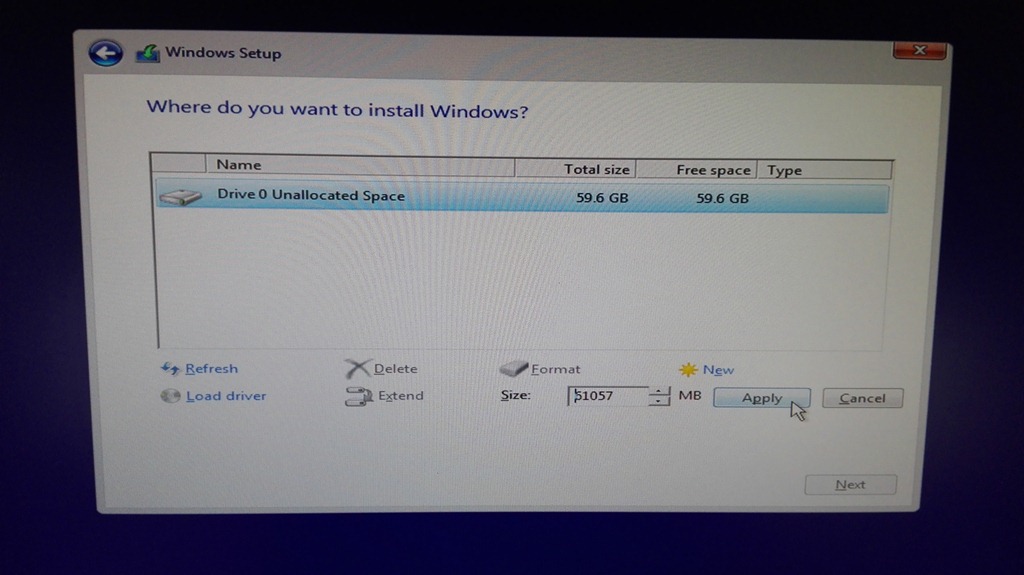
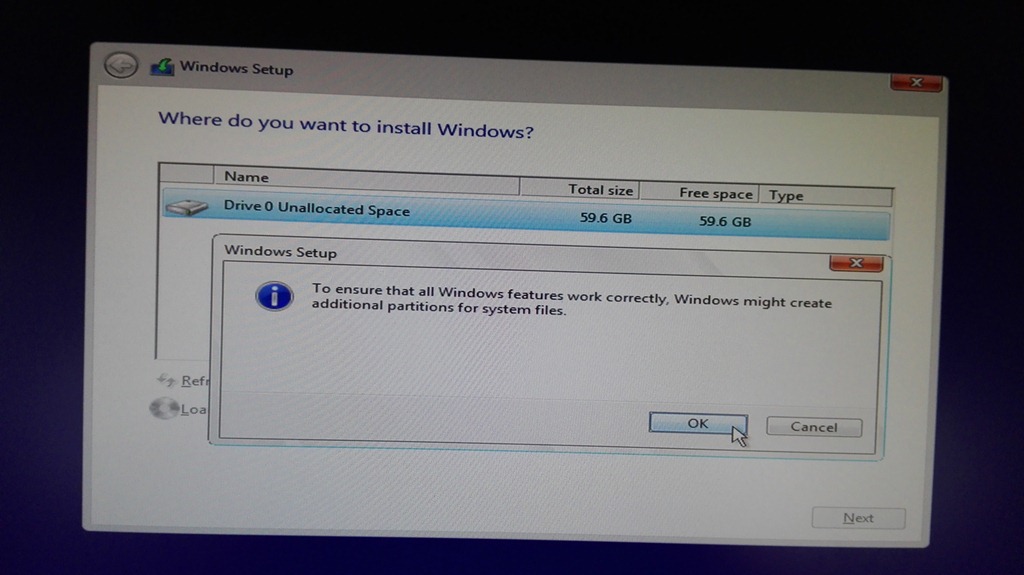
8)windows install begining,just wait.
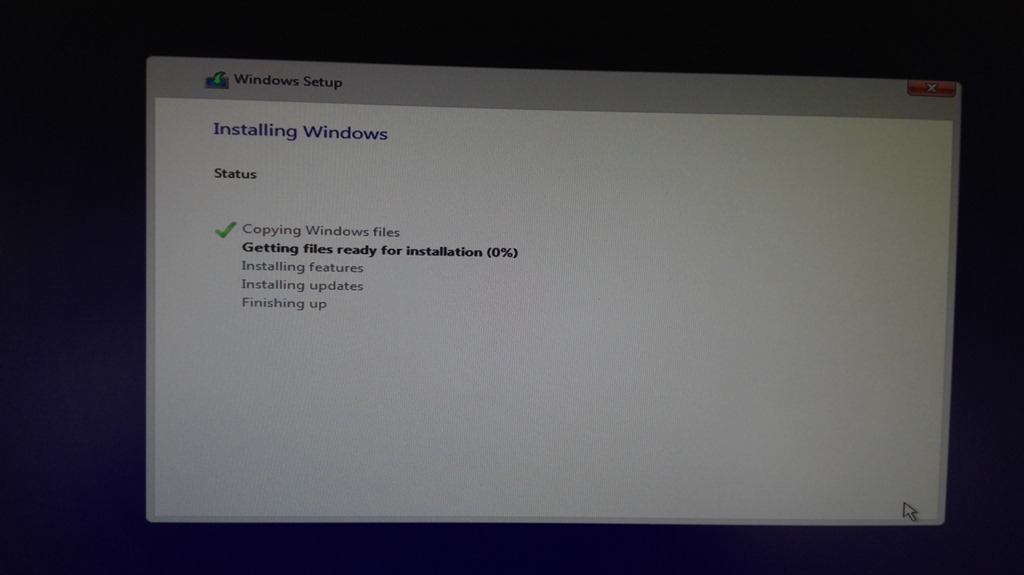
9)Then you need to accept some steps of install license,Select the default option will be okey.
when you come to this part as below,remember to click”skip this step”
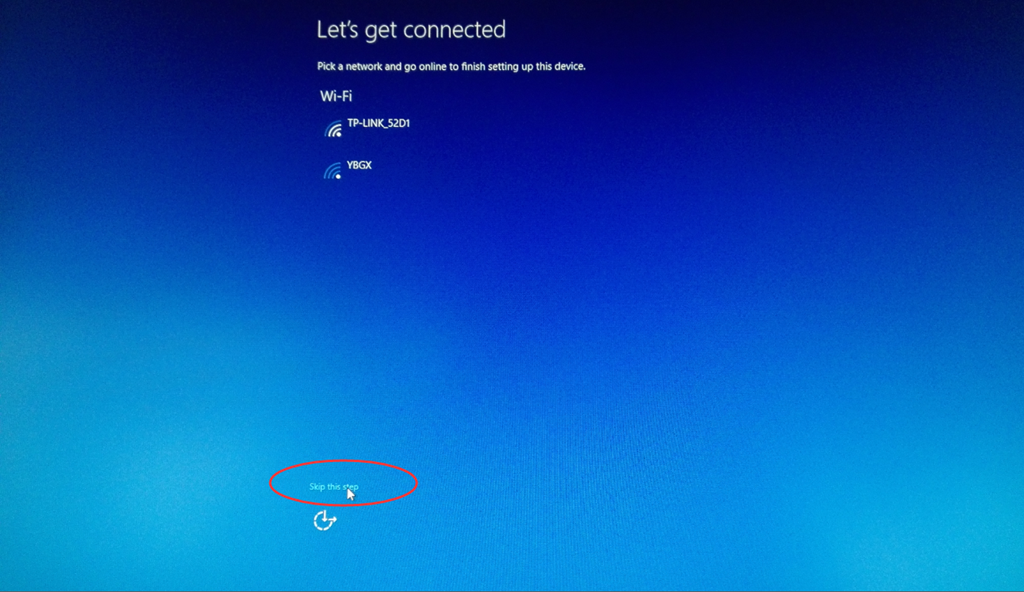
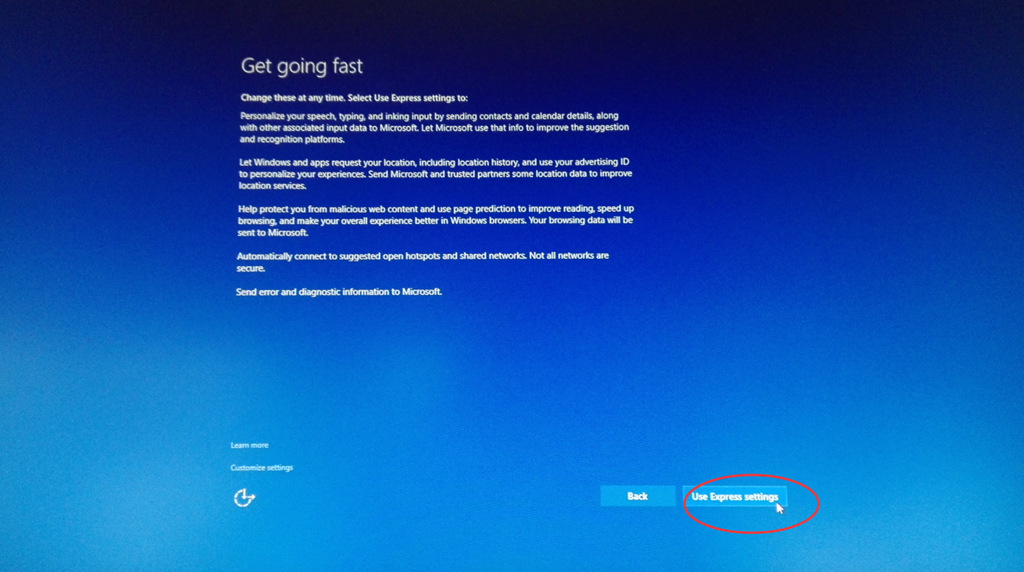
10)next you need to do is “use express setting”,then you will see the screen shows “just a moment”,and then you need to click “use express setting”again.
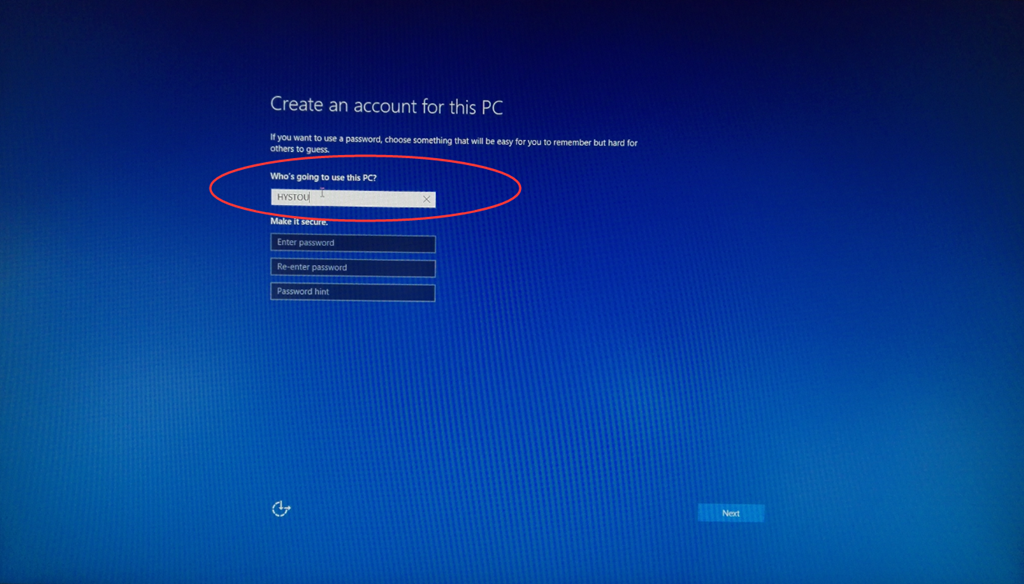
11)you’ll be successful soon,you need to type some words in the blank as you like.
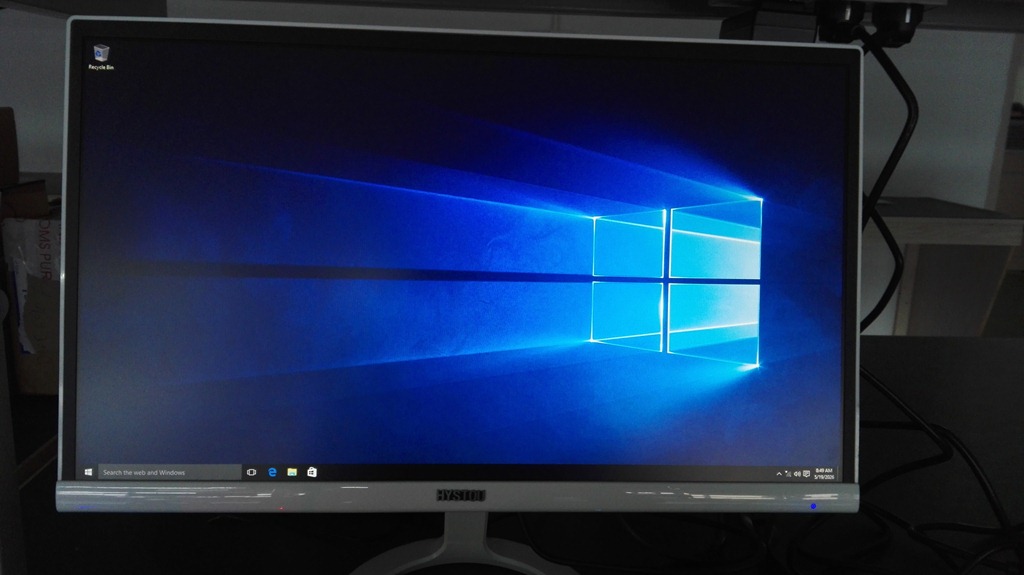
12)Windows 10 installation finshed.
13)Finally,you need to activate windows.please download the windows 10 Activate Drive(or use the CD).
After all of above,windows in operation.
 Mini PC